
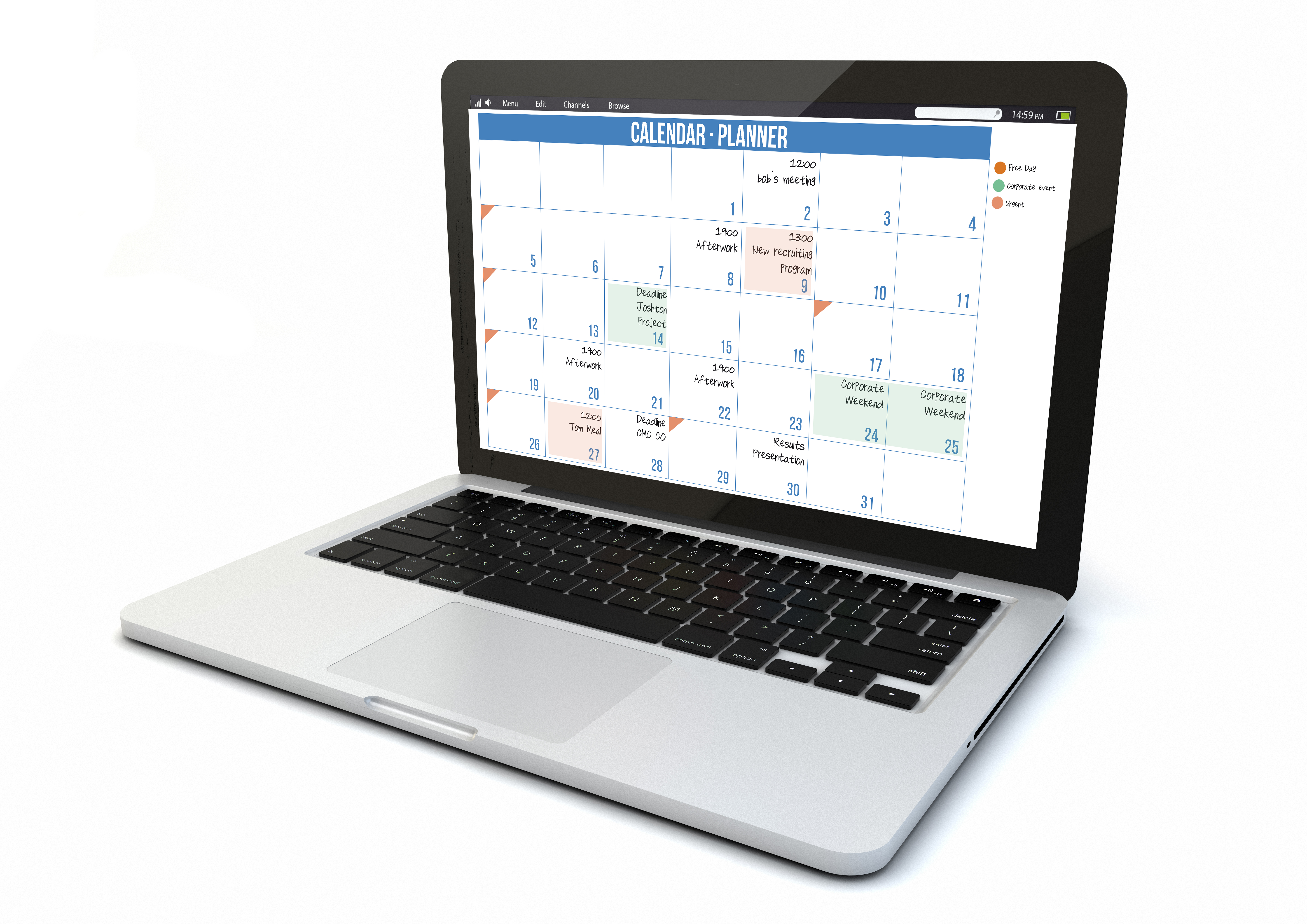
In today’s fast-paced business environment, effective time management is essential for success. Entrepreneurs and professionals alike can benefit from using technology to streamline their workflows, boost productivity, and achieve their goals. Here are some top time management technologies and how they can help you succeed.
1. Project Management Tools: Trello and Asana
Project management tools like Trello and Asana are invaluable for organizing tasks, setting deadlines, and collaborating with team members. These platforms allow you to break down projects into manageable tasks, assign responsibilities, and track progress in real-time.
Example: With Trello, you can create boards for different projects, use lists to represent stages of the project, and add cards for individual tasks. Each card can include descriptions, checklists, due dates, and attachments, ensuring all project details are in one place. Asana offers similar functionality with additional features like task dependencies and project timelines.
Citation: According to a study by the Project Management Institute, organizations using project management software report a 28% improvement in meeting project goals and a 25% reduction in project duration .
2. Time Tracking Software: Toggl and RescueTime
Time tracking software like Toggl and RescueTime helps you understand how you spend your time and identify areas for improvement. These tools track the time spent on different tasks and provide insights into your productivity patterns.
Example: Toggl allows you to start a timer for any task with a single click and generates detailed reports showing how much time you spend on various activities. RescueTime runs in the background on your computer or mobile device, tracking time spent on applications and websites, and provides a productivity score.
Citation: A survey by DeskTime revealed that time tracking can boost productivity by up to 30% by helping users stay accountable and focused on their tasks .
3. Calendar and Scheduling Apps: Google Calendar and Calendly
Calendar and scheduling apps like Google Calendar and Calendly make it easier to plan your day, schedule meetings, and avoid double bookings. These tools offer features like reminders, event invitations, and integration with other productivity apps.
Example: Google Calendar lets you create events, set reminders, and share your schedule with others. It also integrates with other Google services like Gmail and Google Meet. Calendly allows others to book appointments with you based on your availability, eliminating the back-and-forth of scheduling meetings.
Citation: A study by McKinsey & Company found that using digital calendar tools can save professionals up to 6 hours per week by reducing the time spent on scheduling and managing appointments .
4. Note-Taking and Organization Apps: Evernote and Notion
Note-taking and organization apps like Evernote and Notion help you capture ideas, organize information, and access your notes from any device. These tools are perfect for keeping track of meeting notes, brainstorming sessions, and research.
Example: Evernote allows you to create notebooks, tag notes for easy searching, and clip web pages directly into your notes. Notion combines note-taking with database functionalities, enabling you to create customized workflows, track projects, and collaborate with team members.
Citation: Research by IDC shows that knowledge workers spend about 2.5 hours per day searching for information. Using organization apps can significantly reduce this time, improving overall productivity .
5. Automation Tools: Zapier and IFTTT
Automation tools like Zapier and IFTTT (If This Then That) enable you to automate repetitive tasks and integrate different applications. These tools can save you time and reduce the likelihood of errors by automating workflows.
Example: Zapier allows you to create “Zaps” that connect different apps and automate actions. For instance, you can automatically save email attachments from Gmail to Dropbox or add new form responses to a Google Sheet. IFTTT works similarly, allowing you to create “Applets” that link different services and automate tasks.
Citation: A report by McKinsey Global Institute found that automation can increase productivity by up to 20%, allowing professionals to focus on higher-value tasks .
Conclusion
Embracing time management technology can significantly enhance your workflow, increase productivity, and help you achieve your professional goals. By leveraging project management tools, time tracking software, calendar apps, note-taking applications, and automation tools, you can streamline your daily tasks and focus on what truly matters.
Investing in these technologies not only saves time but also reduces stress and improves work-life balance. Start exploring these tools today and take the first step towards a more organized and productive future.
References
- Project Management Institute. (n.d.). Pulse of the Profession 2020. Retrieved from PMI.
- DeskTime. (2020). The DeskTime Survey: The State of Employee Productivity. Retrieved from DeskTime.
- McKinsey & Company. (2019). The Digital Workplace: Enabling Employee Productivity and Collaboration. Retrieved from McKinsey.
- IDC. (2018). The Knowledge Quotient: Unlocking the Hidden Value of Information Using Search and Content Analytics. Retrieved from IDC.
- McKinsey Global Institute. (2017). A Future That Works: Automation, Employment, and Productivity. Retrieved from McKinsey.
- Time Management for Professional Success by Stephanie King
Leave a Reply